

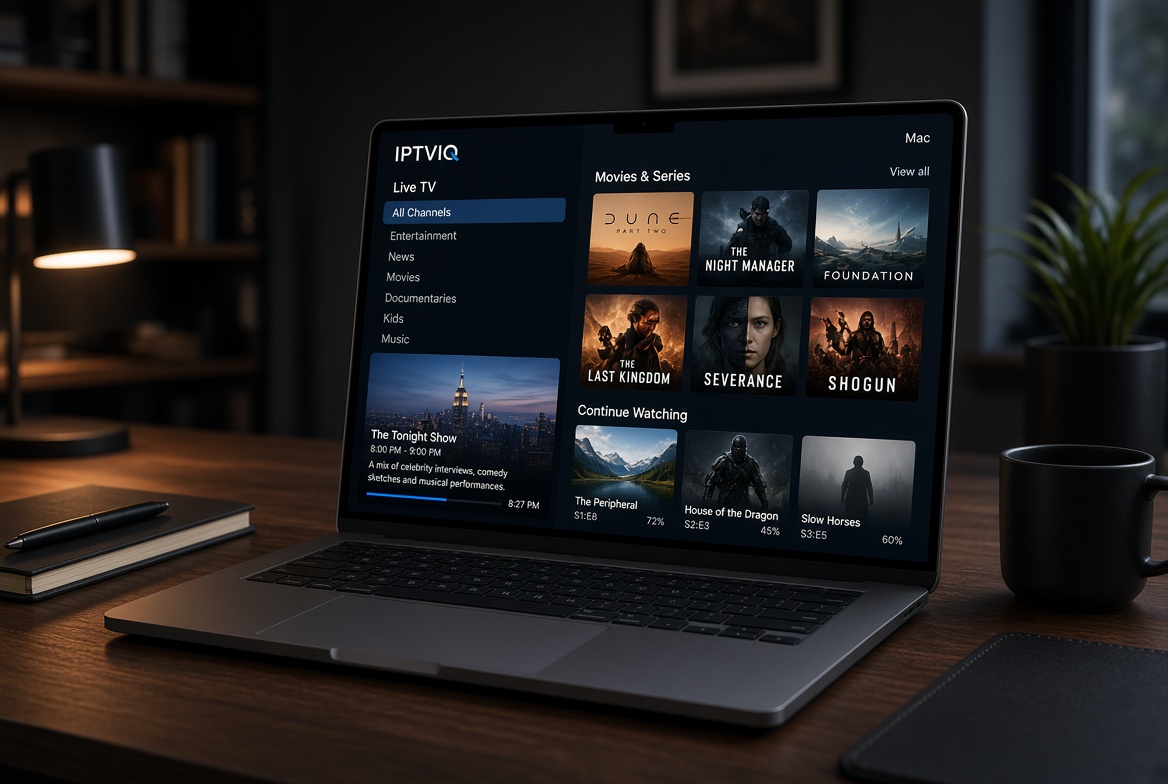
How IPTVIQ Turns Your Sources Into a Real Media Library
Finding a reliable IPTV player that feels native on a Mac has always been harder than it should be. Most options are either clunky browser-based players, poorly optimized ports, or apps that treat every playlist like a flat text file. In 2026, if you already have a legal or authorized IPTV source and you want something that actually feels like a proper media app on macOS, IPTVIQ is currently one of the strongest choices available.
IPTVIQ is not another IPTV subscription service. It does not sell channels, movies, or series. It is a native player built for macOS 14 and later that takes the sources you already use—Xtream Codes, M3U/M3U8 playlists, XMLTV guides, or Stalker/MAG/Ministra portals—and organizes them into a clean, searchable, profile-aware library. You can download it directly from the Mac App Store and start using it with the source you already have.
What IPTVIQ Is (and What It Is Not)
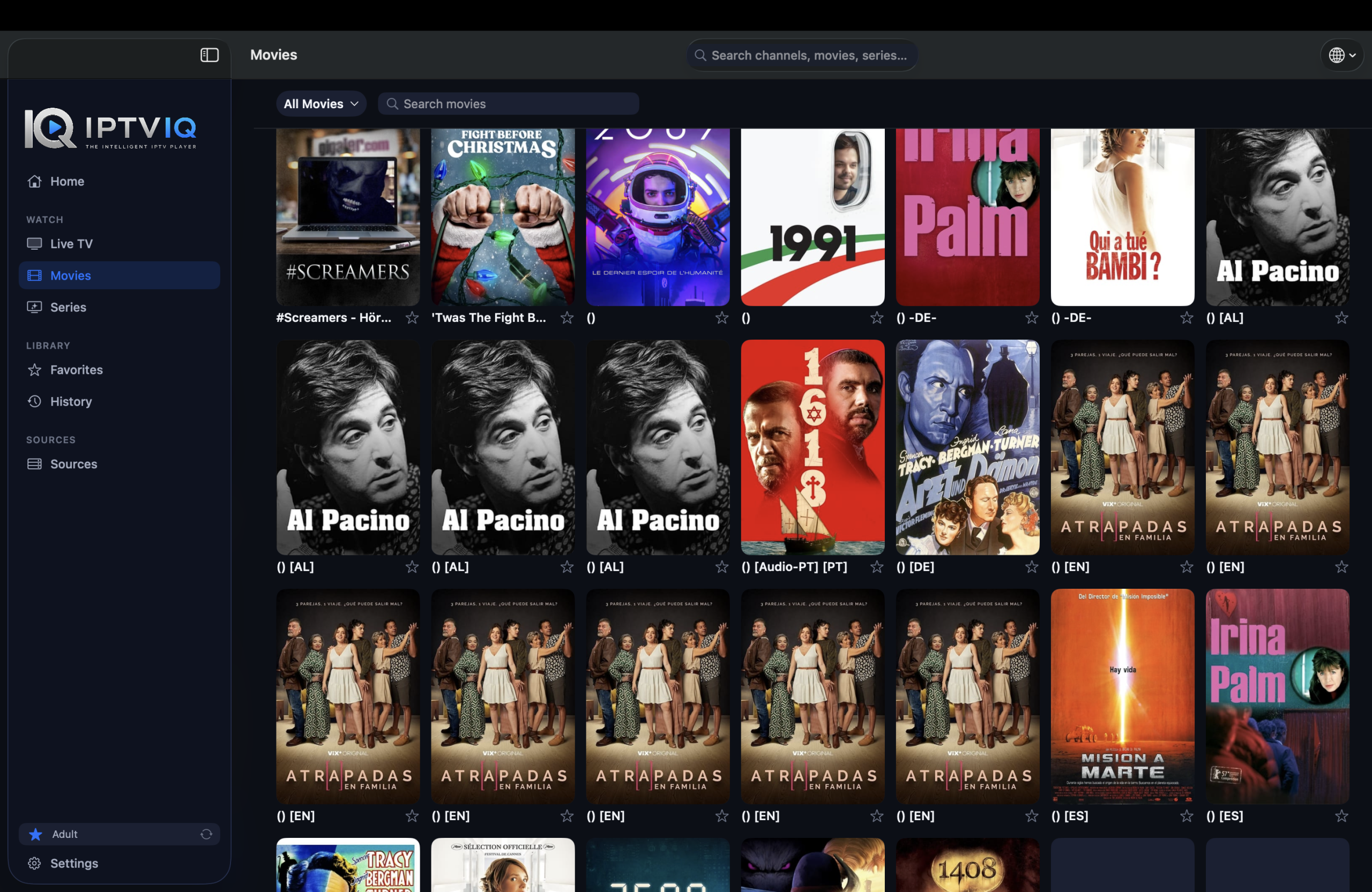
The core idea behind IPTVIQ is simple: your source stays yours. The app only organizes and plays what that source already provides. There is no hidden catalog, no “thousands of channels included,” and no attempt to act as a provider. If you do not already have an authorized Xtream account, M3U playlist, or compatible portal, there is nothing for the app to play—just like a video player needs a video file.

This distinction matters. Many people searching for the “best IPTV player for Mac” actually want a service. IPTVIQ is deliberately not that. It is the playback and organization layer on top of whatever source you already trust or pay for.
Supported Sources
IPTVIQ works with the formats most people already use:
- Xtream Codes panel accounts
- Remote or local M3U / M3U8 playlists
- XMLTV guide files
- Stalker / MAG / Ministra portals
You can add more than one source and switch between them. Each source can also use its own proxy setting (Direct, HTTP, HTTPS, or SOCKS5) for connection and media traffic. This is practical if you route some sources differently from others.
Why a Basic Playlist Player Falls Short
A simple M3U player opens streams. That is useful, but it is not enough once your library grows. Channels, movies, and series end up in one long list. There is little sense of categories, no proper continue-watching behavior, and almost no household controls. On a Mac used by more than one person, this quickly becomes messy.
IPTVIQ treats the source as a real media library. Live TV, movies, and series are separated and organized. Progress is remembered. Favorites and history stay per profile. The result feels closer to a modern streaming app than a raw playlist viewer.
Live TV and the Guide
Live TV is handled with category browsing, numeric channel entry, and a Recall function that returns you to the last channel. During playback you get a mini-EPG overlay so you can see what is on without leaving the stream. The per-channel guide and Now/Next information make channel surfing less guesswork and more intentional.
These features depend on the quality of the EPG your source provides. IPTVIQ does not invent guide data. If your provider sends accurate XMLTV or Xtream EPG, the experience is solid. If the guide is incomplete, the app cannot magically fill the gaps.
Movies and Series
On-demand content from compatible sources is presented as a proper catalog rather than a flat dump. Continue Watching tracks where you left off, and the app can hand you the next episode when you finish one. This is one of the clearer differences between a basic player and something designed for actual household use.
Search, Favorites, and History
Global search works across the imported catalog. Favorites and watch history are stored per profile, so one person’s list does not overwrite another’s. On a shared Mac this is more useful than it first sounds.
Catch-up and Watch from Start
Where your provider supports it, you can step back through recent broadcasts or start a program from the beginning. This is strictly source-dependent. IPTVIQ does not create catch-up archives on its own. If the source offers the feature, the player surfaces it. If the source does not, the option simply is not there.
Local DVR (Manual Recording)
You can record a live stream you are authorized to watch and save it to a folder you choose on your Mac. This is personal time-shifting, not a cloud DVR service and not a tool for redistribution. You remain responsible for rights and local storage. Scheduled or EPG-triggered recording is on the roadmap but not available today.
Multiview and Smart Recovery
Multiview lets you watch two streams side by side. It is practical for sports, news, or keeping an eye on a second channel without constantly switching. Smart Recovery is a deterministic reconnect mechanism: if a brief connection drop causes a real playback stall, the app detects it and reconnects. It is not an AI feature and it cannot overcome a source that is genuinely unreachable.
Profiles and Kids Restrictions
Separate profiles keep history and favorites private. Kids profiles enforce an approved-content-only rule across the whole app—Home, Search, Guide, and playback—not just on a single screen. This is one of the more household-oriented features and a clear advantage over many basic players.
Multi-Device Reality and Roadmap
Right now the public app is for macOS 14 and later (Universal binary for Apple Silicon and Intel). Apple TV is in testing. iOS, iPadOS, Windows, Android, and Android TV are planned. Cloud Sync of user state (favorites, resume positions, profiles, Kids rules) is also part of the longer-term direction. It would sync settings and library state, not stream video through an IPTVIQ server. The path remains provider → your device.
Comparison: Basic Player vs IPTVIQ Today vs Direction
| Capability | Basic Playlist Player | IPTVIQ Today (macOS) | IPTVIQ Direction |
|---|---|---|---|
| Organized Live + VOD | No | Yes | Yes |
| Proper EPG / mini-guide | Limited | Yes | Yes |
| Continue Watching | Rare | Yes | Yes |
| Profiles + Kids | Rare | Yes | Yes |
| Manual local DVR | Sometimes | Yes | Yes |
| Multiview | Rare | Yes | Yes |
| Multiple sources | Varies | Yes | Yes |
| Other platforms | Mixed | macOS only | Planned |
| Cloud Sync of state | No | No | Planned |
Who It Is For
IPTVIQ suits people who already have a source they trust and who want a cleaner experience on a Mac. It is especially useful for households that need profiles and Kids restrictions, for anyone who watches both live TV and on-demand, and for users who prefer a native macOS app over browser or Android-emulated solutions. It is not for people looking for a ready-made channel package.
Getting Started
- Download IPTVIQ from the Mac App Store.
- Add the Xtream, M3U, XMLTV, or Stalker source you are already authorized to use.
- Create profiles (including a Kids profile if needed).
- Start watching with the guide, Recall, and Continue Watching ready.
Current Platforms and Honest Roadmap
Available today: macOS 14+.
In testing: Apple TV.
Planned (no public date): iOS, iPadOS, Windows, Android / Android TV.
The team is clear that the same core is intended to travel, but only the Mac version is shipping for users right now.
Important Disclaimer
IPTVIQ does not host, sell, or supply any channels or content. You must use sources you are authorized to access. Recording is for personal time-shifting only. Catch-up and guide completeness depend entirely on your provider.
In short, if you are looking for the best IPTV player for Mac in 2026 and you already have a source, IPTVIQ is worth serious consideration. It focuses on organization, household controls, and native playback rather than trying to be a content provider itself. Your source stays yours; the app simply makes watching it cleaner and more consistent on a Mac.